
Inside Notivox
Your voice.
A little more context.
Capture a thought, keep the useful detail and find your way back. Coming soon for Android and iPhone.
01 / Record & import
Start with what
you want to keep.
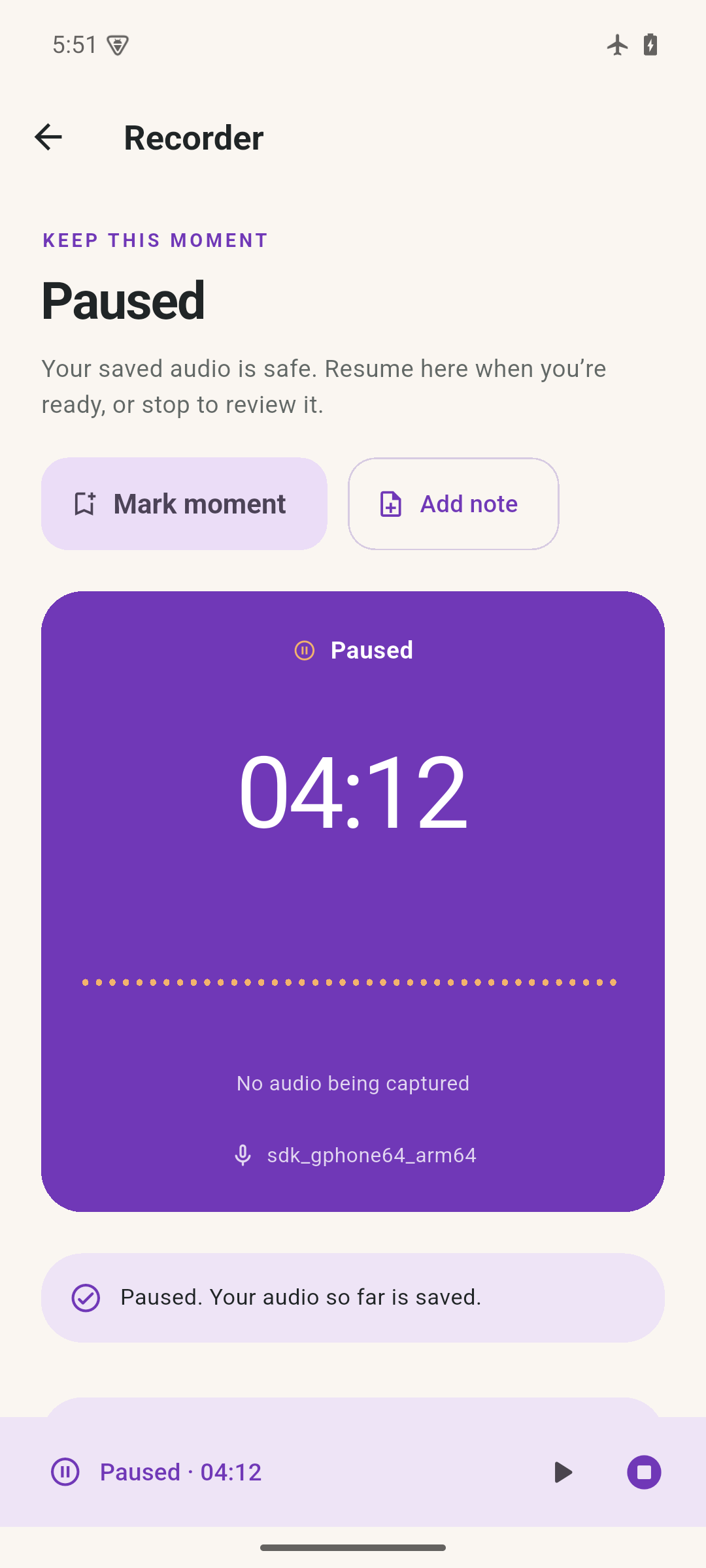
Record a thought, a rehearsal or a conversation you have permission to keep. Pause and resume, then save before naming it. Or choose one existing audio file and import a private copy.
- User-started recording with background controls
- Clear pause, resume and save actions
- Selected-file import, without scanning your library
- Pause and interruption information kept with the recording
Calls, audio-route changes and system limits can interrupt a session. Supported imports depend on your device’s decoder.
02 / Notes & review
Leave a clue
for later.
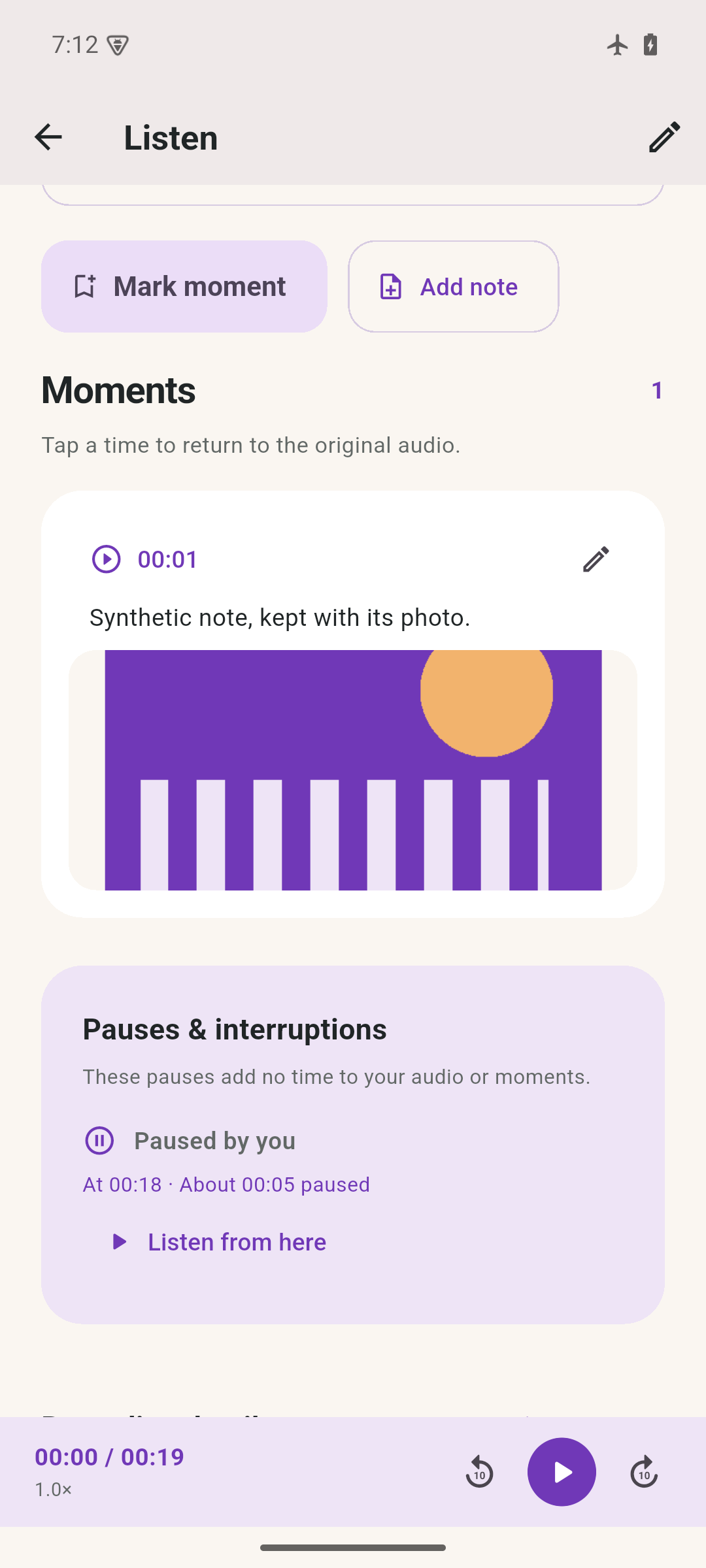
Add a marker, write a timestamped note or choose a photo. Tap a moment to return to its place in the audio. Collections bring related recordings together; title and note-text search help you find them.
- Notes and chosen photos tied to audio time
- Playback speed and pinned listening controls
- Optional silence skip with original timestamps preserved
- Collections and local title/note search
Photo selection pauses an active capture. Silence skip can miss quiet speech; turn it off when detail matters. Notes are written by you—there is no speech transcription.
03 / Clips & export
Just the part
you need.
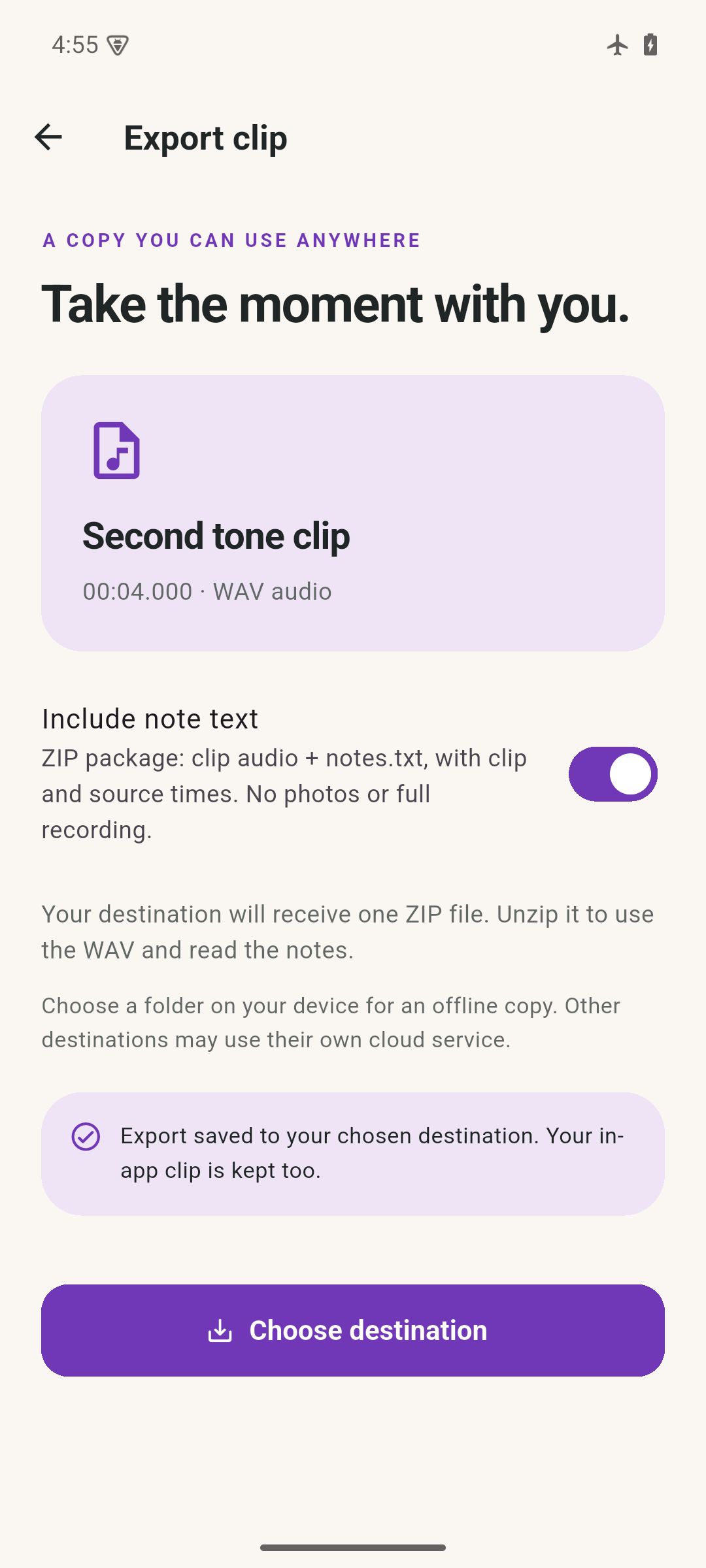
Select exact start and end times, listen to a preview and save a separate WAV clip. Your source stays unchanged. Choose a destination for the audio, or add note text and source times in a ZIP.
Clip ZIPs contain audio and note text, not photo attachments. A cloud destination follows that provider’s own terms and privacy practices.
04 / Backup & restore
Keep a separate
copy, safely.
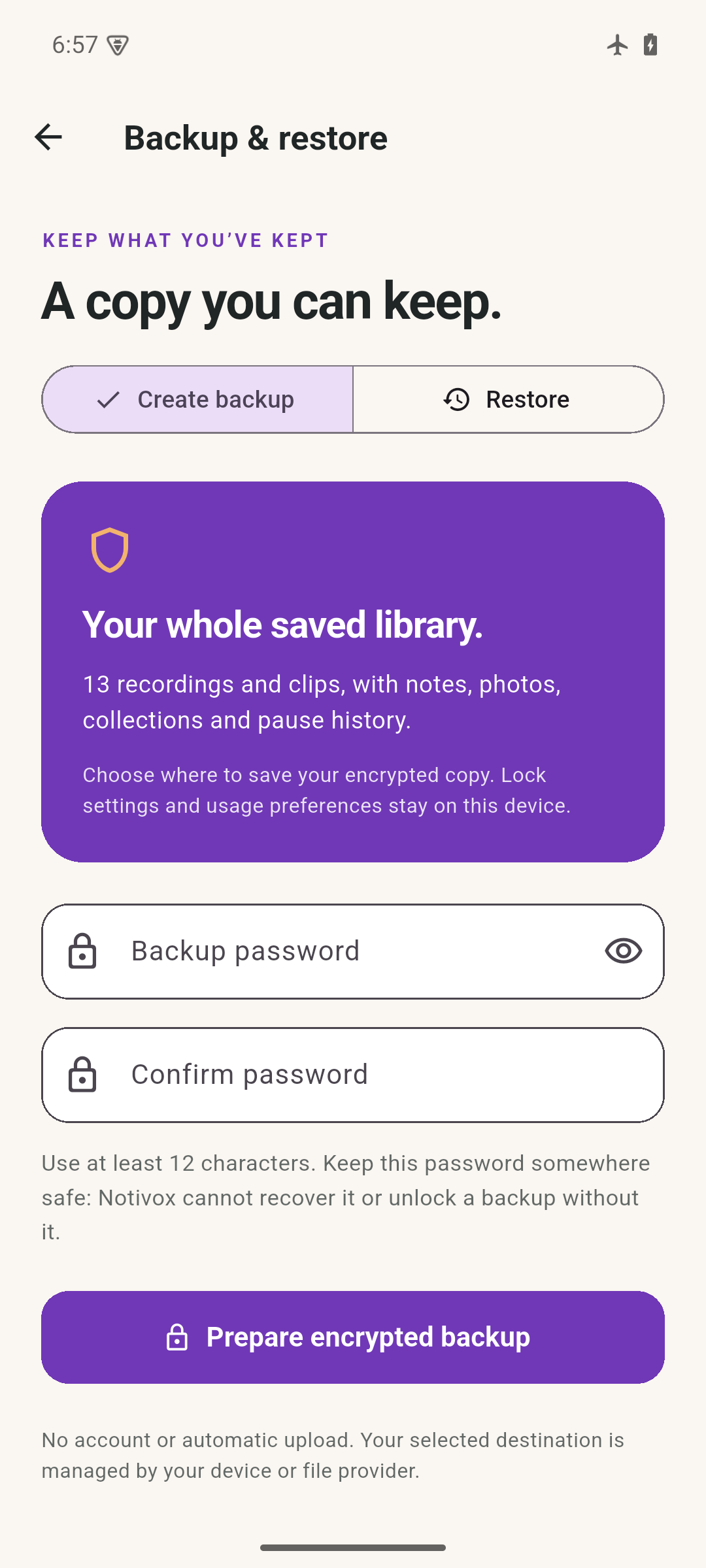
Create a password-encrypted copy of your completed recordings, clips, notes, photos, collections and pause history. Save it where you choose. Restore verifies the archive before showing a preview, skips identical items and rejects conflicting IDs without overwriting.
Keep your password separately. Notivox does not store it and cannot recover a lost one.
Device settings, lock credentials, pending imports and unfinished recordings are not included. Optional device lock protects app access; it does not separately encrypt library files.
Your next useful moment
Keep it close.
Coming soon. No public download is available yet.
Questions? Start here ↗