Let the thought flow.
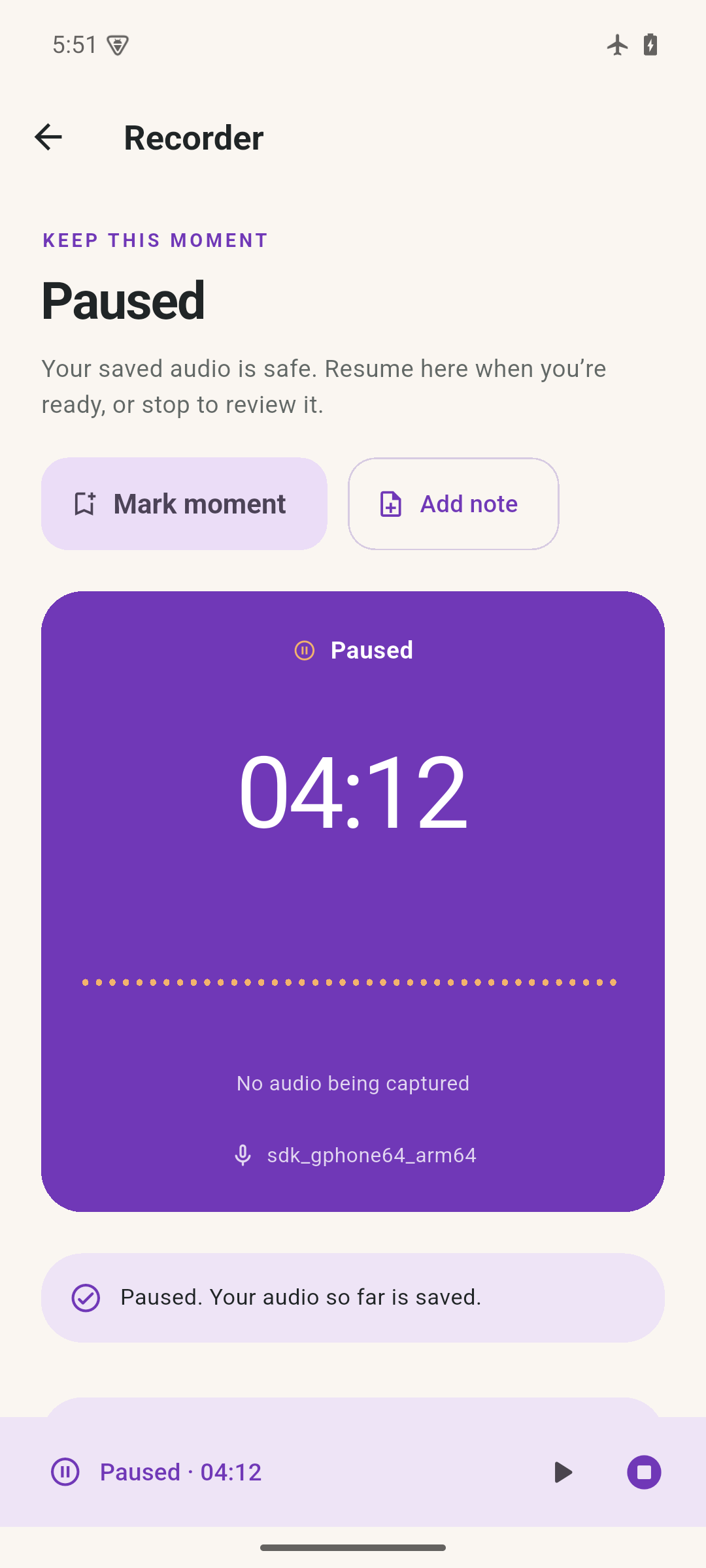
Start a recording or import an audio file. Pause, resume and save on your own terms.

Voice notes, with context
Record an idea. Add a note where it matters. Come back to the exact moment—with your audio, photos and clips together on your phone.
Coming soon for Android & iPhone
Take a look inside

Your voice, with the details beside it.
Notivox, up close
A recording is just the beginning. See how notes, moments and clips keep it useful.
A little context goes a long way
Start a recording or import an audio file. Pause, resume and save on your own terms.
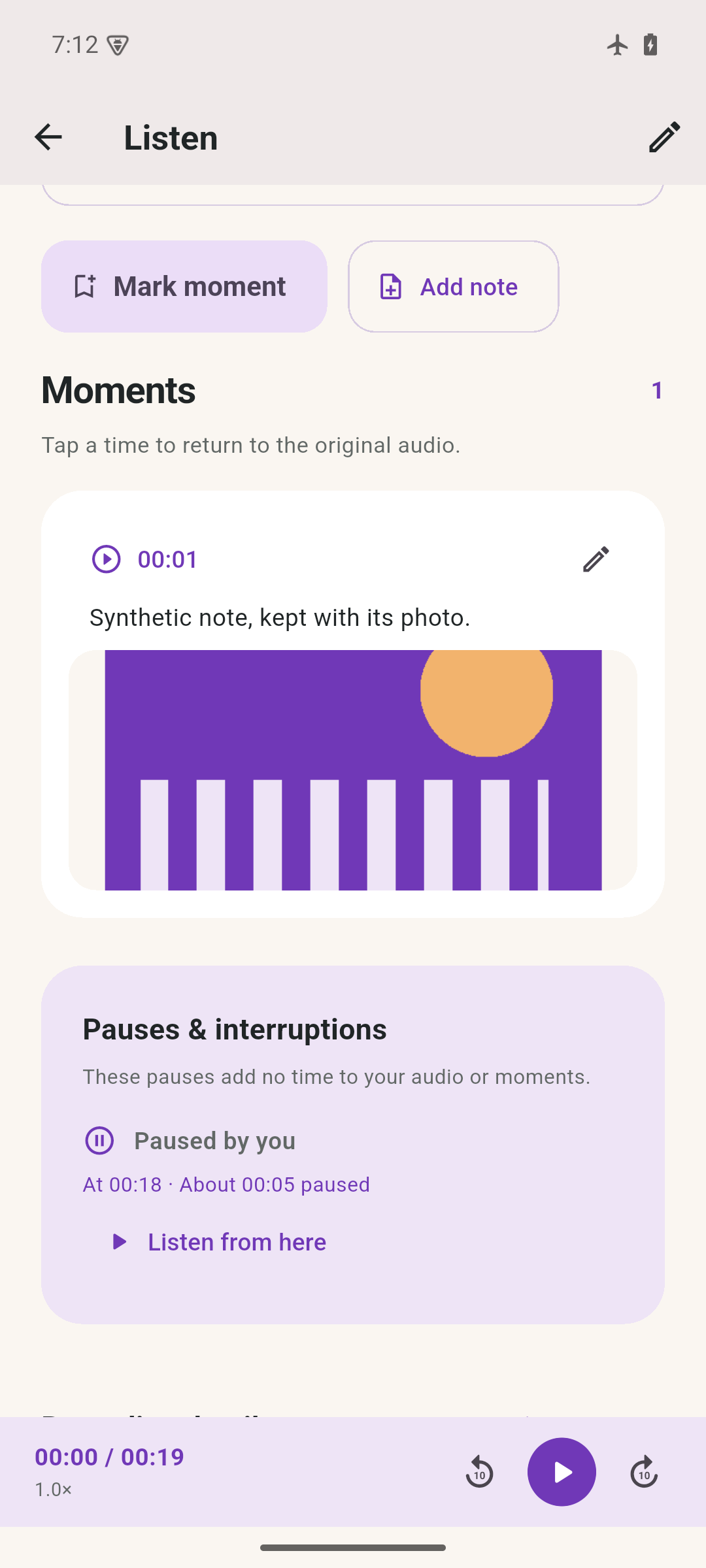
A marker, a few words, a photo. Keep the detail beside its place in the audio.
Search your notes, open a collection or tap a timestamp. Spend more time with what matters.
More than a recording
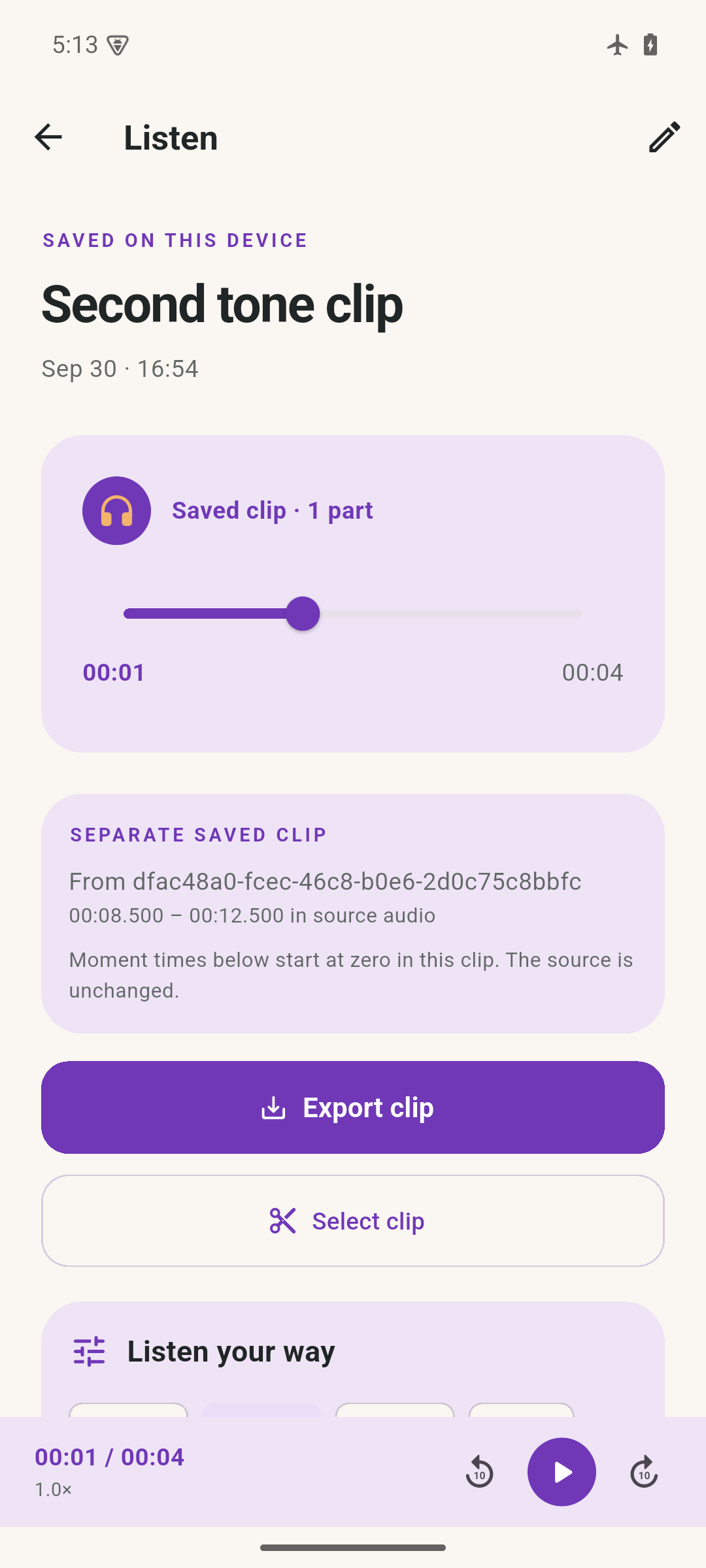
Preview a precise selection and save it separately. Your source recording stays unchanged.

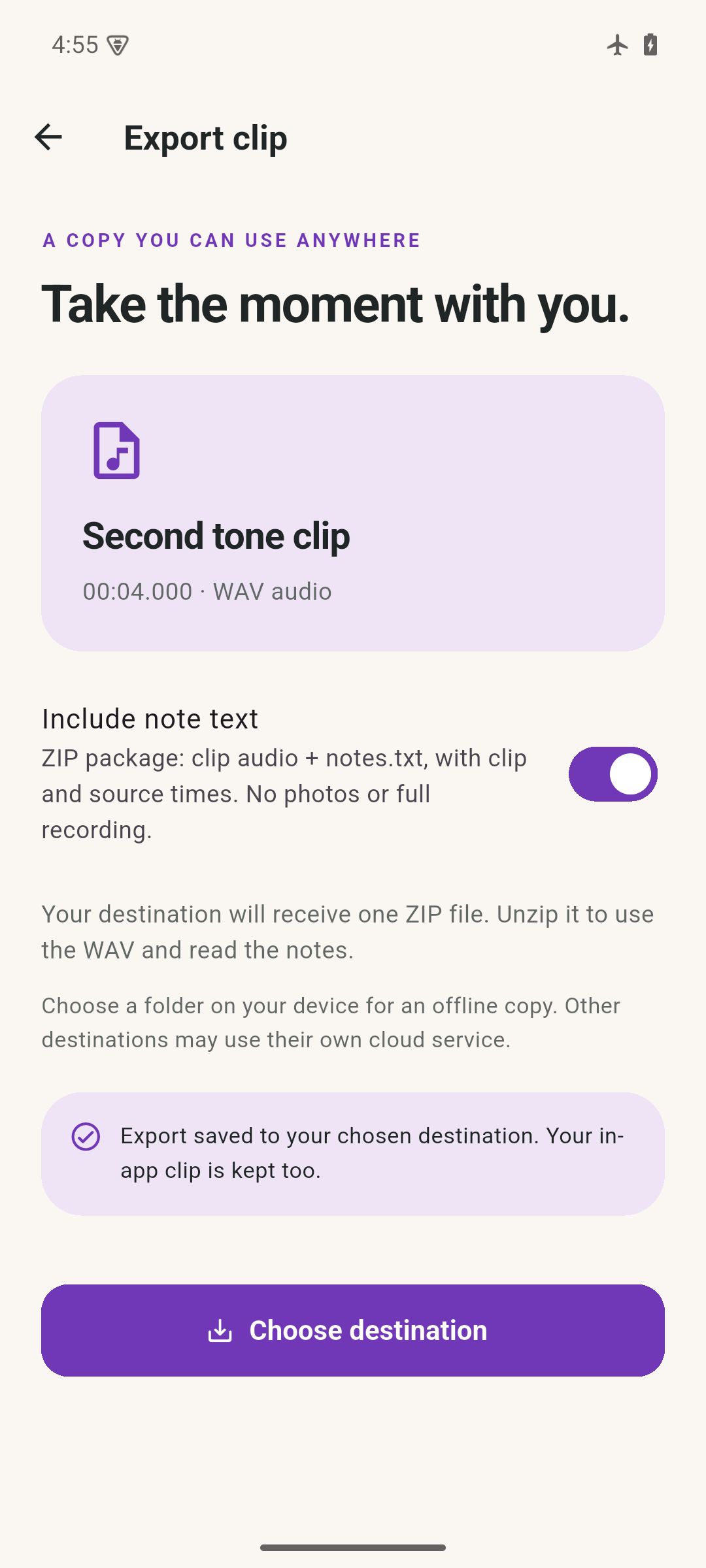
Save a WAV clip, or include note text and timestamps in an audio-and-notes ZIP.

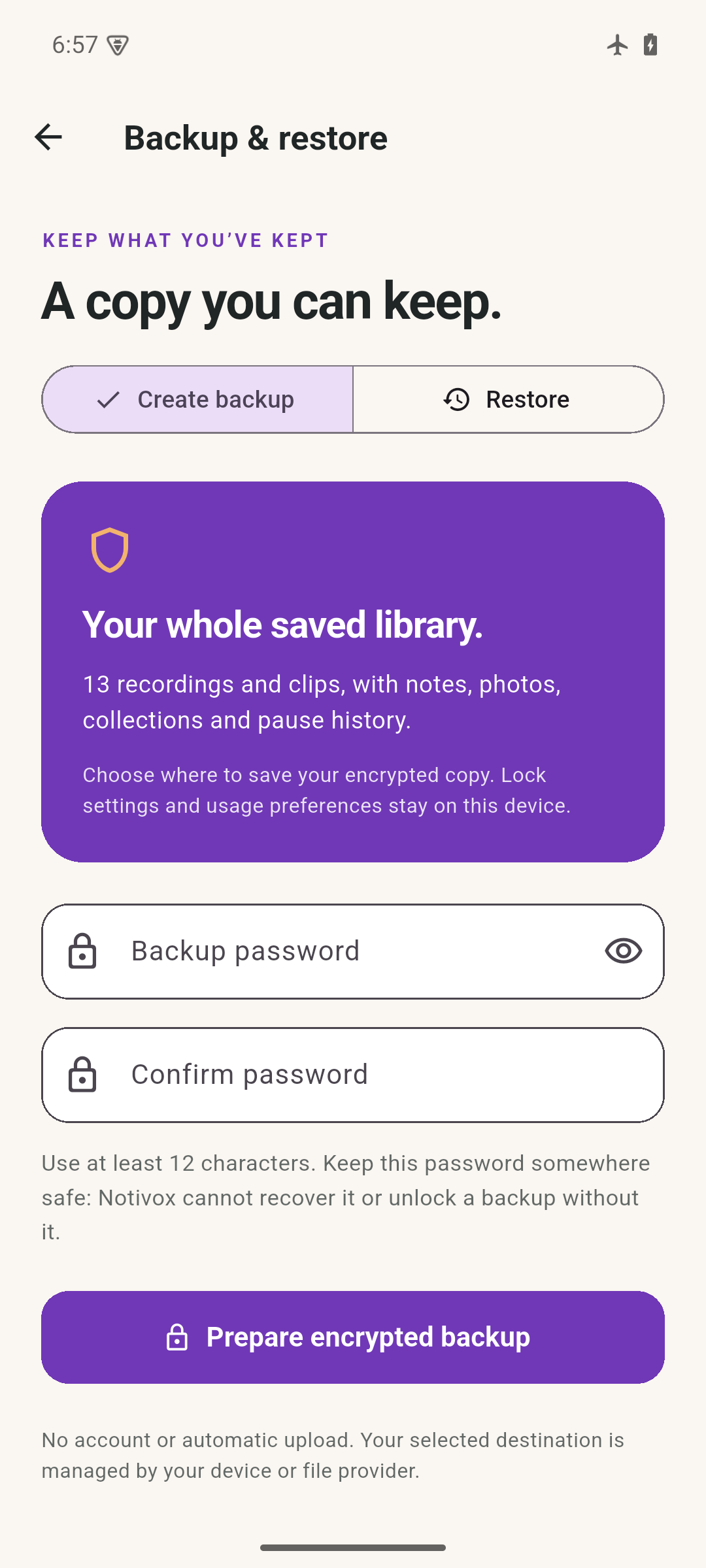
Make a password-encrypted library backup. Check its contents before restoring.

Genuine Android screens with synthetic sample content. Photos stay in library backups; clip ZIPs contain audio and note text.
Room for your thoughts
There’s no account to create and no automatic cloud sync. Your recording library lives on your device. When you export or back up, you choose where the copy goes.
Read about privacy ↗No. You write your own notes and attach them to a moment. Notivox does not transcribe or summarize speech.
Yes. Core recording, notes and playback work on device without an account. A file destination you choose may be a cloud service.
You choose start and end times, preview the selection and save a separate WAV. Your original recording stays unchanged.
No. Keep the password somewhere safe and separate from your backup. Notivox cannot recover it or open an encrypted copy without it.
Coming soon
A home for your voice, and the details around it.
Meet Notivox ↗Something to look forward to
A home for your voice and the details around it. We’re preparing Notivox for public release.
Explore the current features, real app screens and practical answers while we prepare for release.
Explore NotivoxRelease timing and pricing will be shared when confirmed. No signup is required to explore this site.